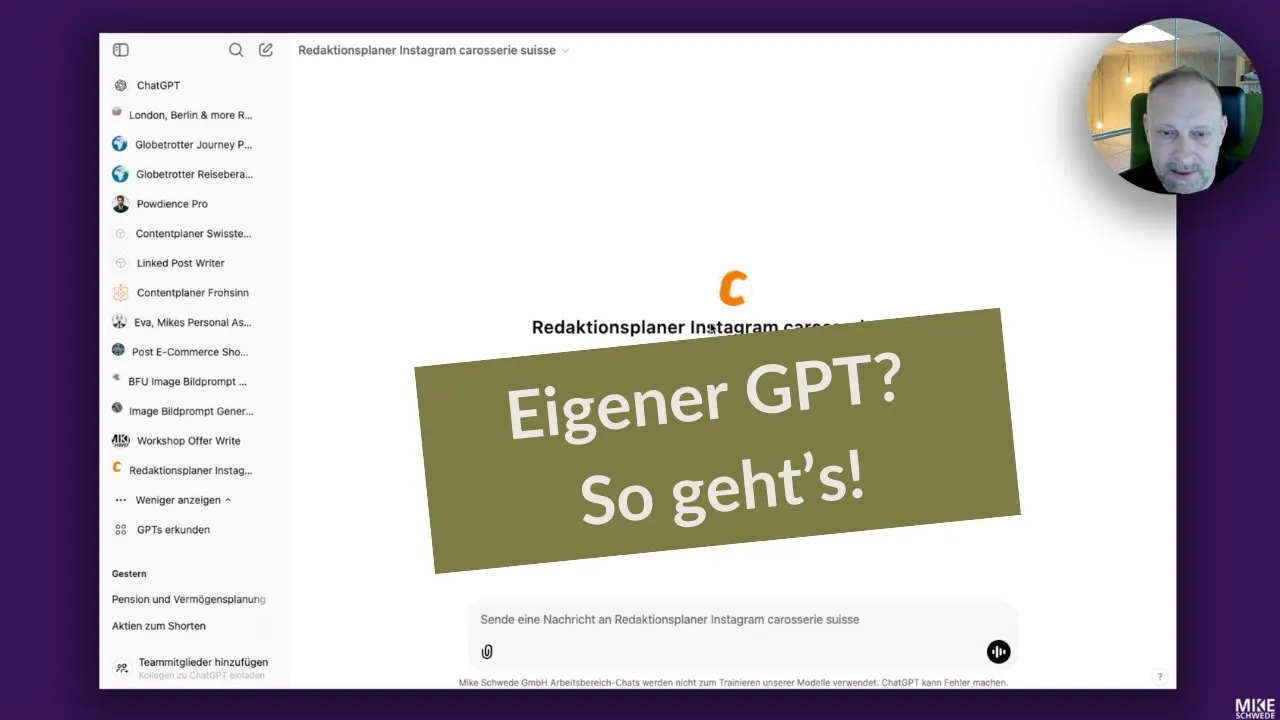
Create your own GPT. This is how easily you can automate with ChatGPT.
Custom GPTs are rarely used, yet they save a huge amount of time on recurring tasks. This video shows, step by step, how to build a Custom GPT that really works, using an Instagram content planner as the example.
What you will learn
Custom GPTs are one of the most powerful features in ChatGPT — and also one of the most overlooked. If you do the same tasks regularly, you can automate much of this with your own GPT. No more copy and paste of instructions. No more briefing from scratch.
Mike shows the full build with a concrete example: an editorial planner GPT for the Instagram page of Karosserie Swiss.
The editorial planner GPT in detail
The GPT first asks for the month. It then researches relevant anniversaries and events, suggests content, and only then creates the final editorial plan based on the feedback — with around three posts per month, each with date, topic, post type, caption, and a MidJourney prompt for image production.
The knowledge provided includes:
PDFs on training courses and company values
Annual reports
General Swiss anniversaries and events
Specific events from the Karosserie Swiss schedule
How the instructions are structured
The core of a custom GPT is the instructions. Mike defines:
Target audience and typical content topics
Desired output format: copyable table with date, topic, post type, caption (without hashtags), MidJourney prompt
Swiss spelling (ss instead of ß)
Step-by-step approach — the GPT skips no step and asks follow-up questions if needed
The result: structured, consistent output without starting from zero every time.
Publishing and sharing
A finished GPT can be shared in a targeted way: by invitation only, for everyone in your organisation, by link, or publicly in the GPT Store. For internal processes, the "everyone in the organisation" option is usually the best one.
Where do I start?
Under "Explore GPTs" you will find the GPT Builder. Mike recommends direct configuration — not the guided chat mode. Try it, refine it, publish it.